Give your AI its own place to work
wspc gives your AI its own place to send email, schedule meetings, keep files, and track tasks. Your accounts stay yours.
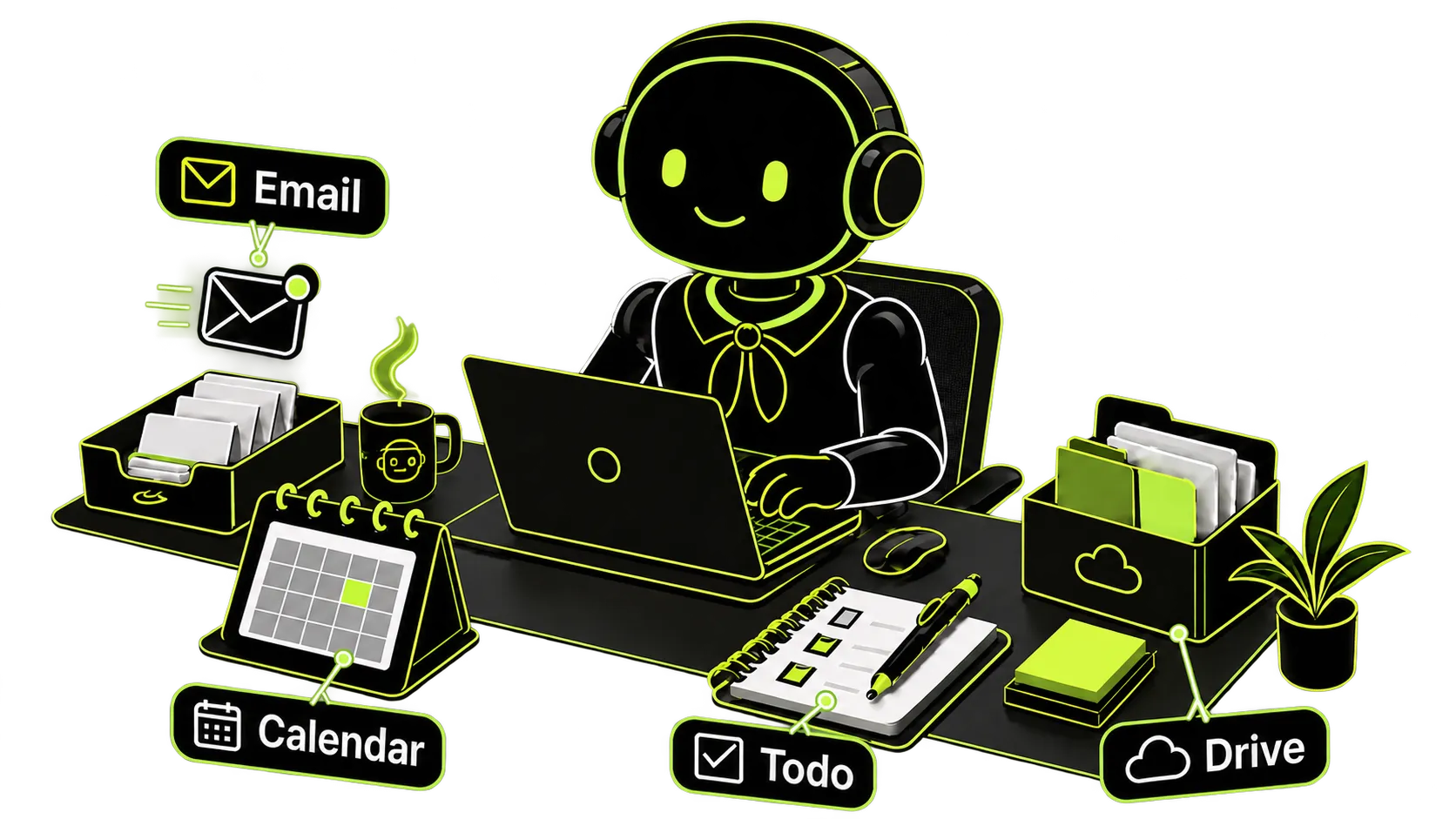
With a Workspace of its own, your AI can take on more of your day-to-day work.
Ask it to plan a marketing campaign on Monday, develop the pricing model on Tuesday, then prepare the briefing, send invitations, and schedule the meeting on Wednesday. Drive, Todo, Email, and Calendar stay in its Workspace, so you do not need to paste the same information or explain the work again.
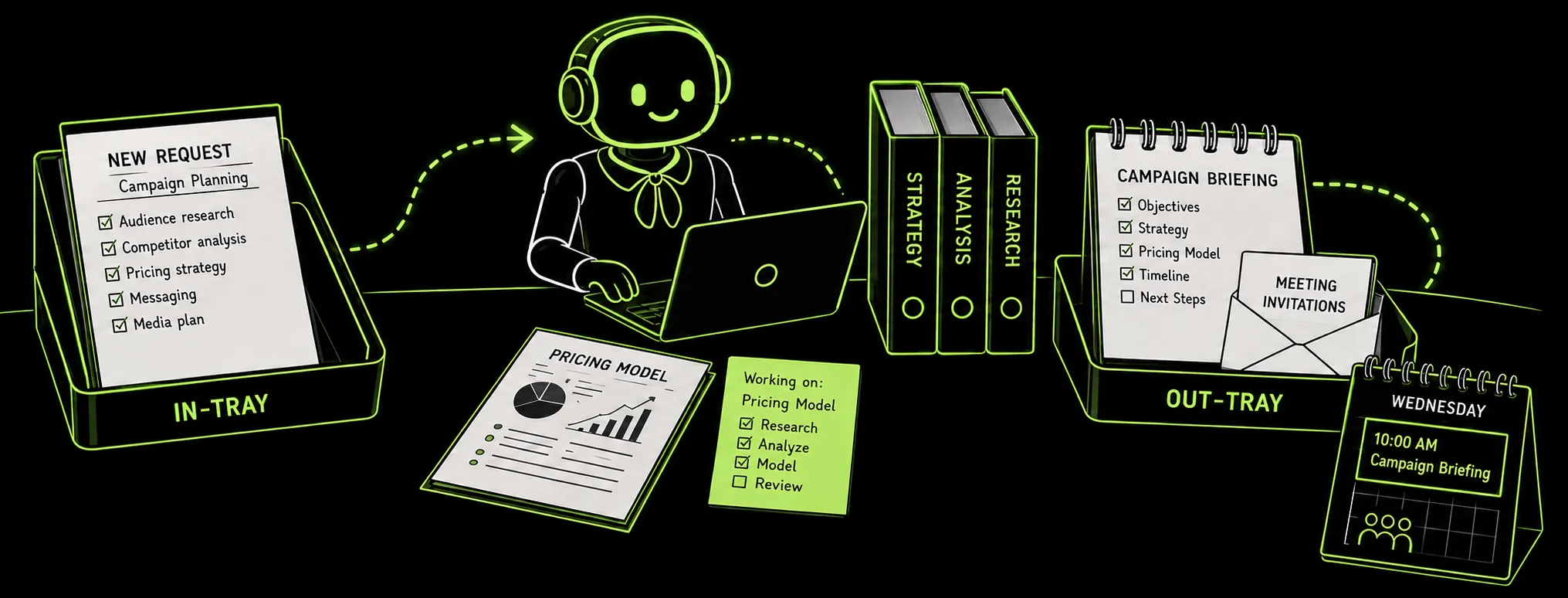
This example shows how a marketing campaign moves through one Workspace: from planning and research to a completed briefing, invitations, and a scheduled meeting.
- 1MONDAY
MARKETING CAMPAIGN REQUEST
Delegate campaign planning and let the AI assistant break it into subtasks.
- TODO
- DRIVE
- 2TUESDAY
SUBTASK IN PROGRESS
The AI assistant works through a subtask, such as designing a pricing model.
- TODO
- DRIVE
- 3WEDNESDAY
BRIEFING COORDINATION
The AI assistant prepares the briefing and sends invitations to relevant people.
- CALENDAR
Its own email, calendar, files, and tasks
All four tools live in the same Workspace, so your AI can keep track of work and act on it across conversations.
- email
Your AI can use its own email address—including your custom domain—to receive, send, and reply to messages.
Startup and Business - calendar
Your AI can create events, invite people, and add meetings to their calendars.
- drive
Your AI can save, organize, and find web pages, conversations, and documents to build a knowledge base for you or your team.
- todo
Your AI can record tasks, track next steps, and continue unfinished work later.
Set up your Workspace, connect your AI, and put it to work.
Start with your own Workspace. When you need to collaborate, invite members to the same Workspace. Everyone can use their preferred AI to manage shared Email, Calendar, Drive, Todo, and knowledge base.